Automated orders
Financial decision-making on orders without a paper trail around the office.
Home / IT Equipment Ordering
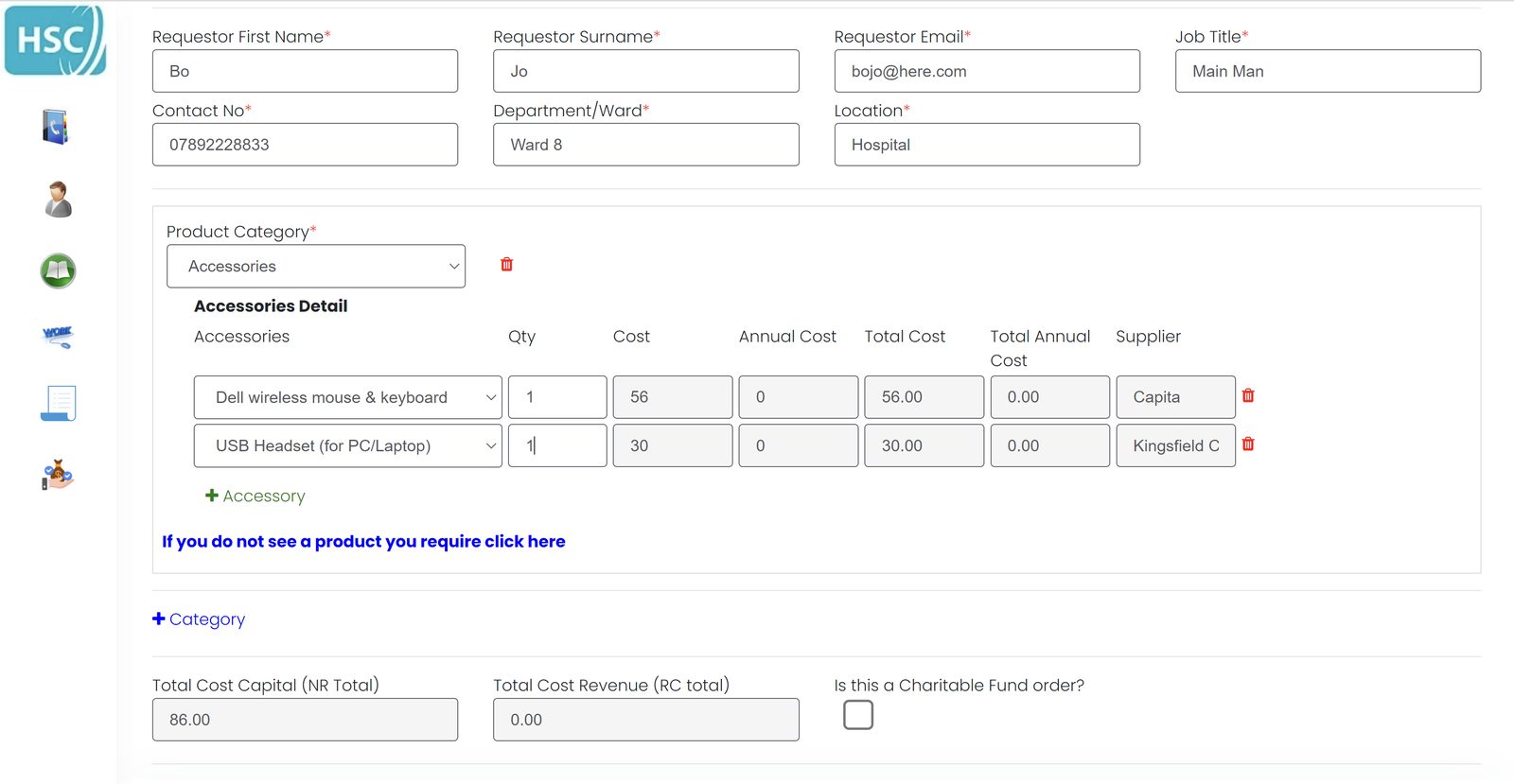
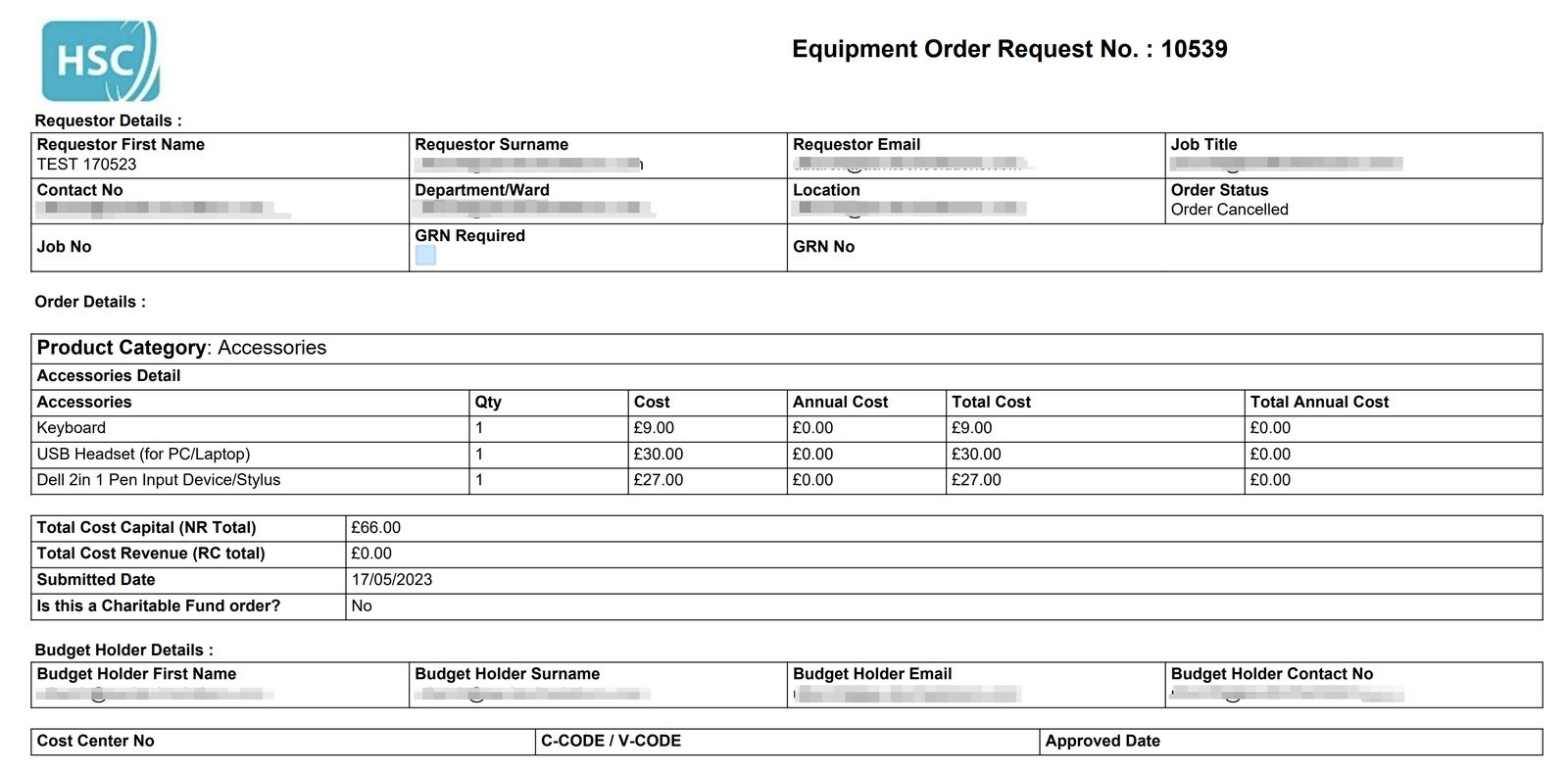
Users order printers, PCs, laptops, scanners, phones and accessories through electronic forms. Budget holders approve or reject from email.
Financial decision-making on orders without a paper trail around the office.
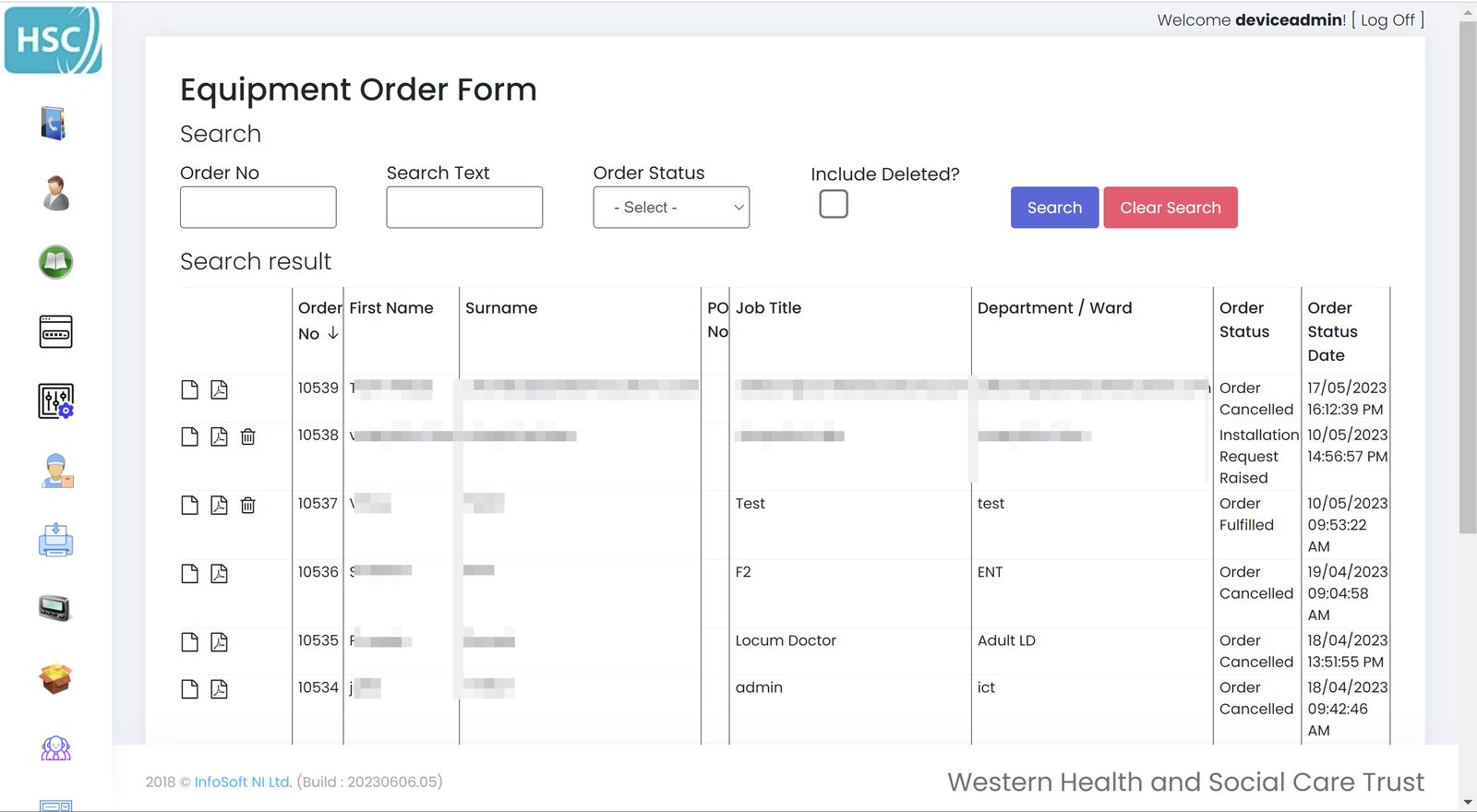
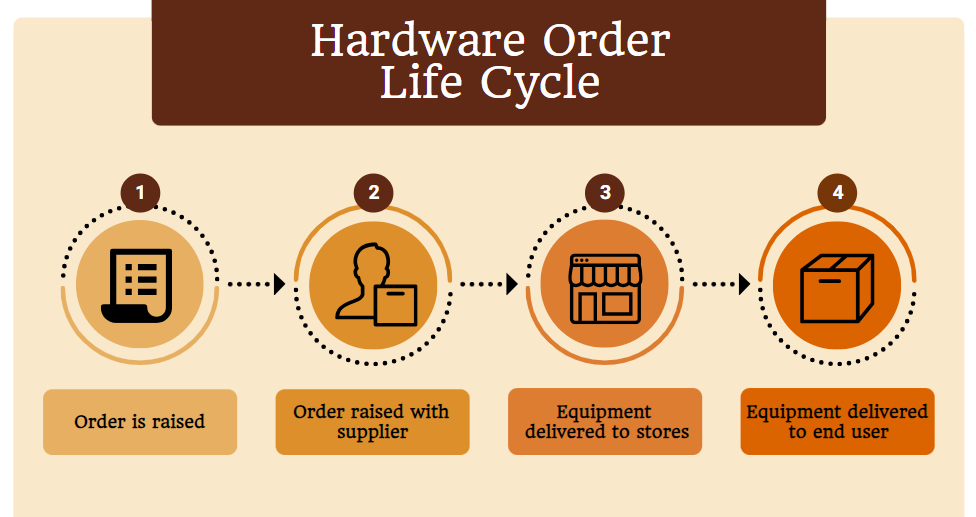
From request through approval, fulfilment, and end of life.
Automated cost-centre calculation, including extra budget added during the year.
Speeds the process up and removes equipment-order forms from desks.
Yes. The portal is designed to support WEEE (Waste Electrical and Electronic Equipment) recycling so you can see what kit is in play and what has reached end of life.
It is recycled. Full traceability of hard-drive destruction is included in the package.
Detailed breakdowns per cost centre, with capital tracking and the ability to add budget into a cost centre during the year.
We can map this onto your current hardware catalogue.